

Fonts
Usage
Open Appearance → Customize → Styles → Fonts to set the three fonts your site uses. Display Font Stack is for large headings (H1–H3). Body Font Stack is for paragraphs, buttons, navigation, and form fields. Alternate Font Stack is an accent font for smaller headings (H4–H6), tags, and standalone links.
Turn on font families first in Dirigible Fonts (see Getting started). Each family you turn on appears as a button under every stack: click one to use it. Check Custom to type a stack instead, for a font loaded another way (an Adobe Fonts or other embed under Scripts & Embeds → Embed Fonts). Without Dirigible Fonts, each stack is a text field.
To use a font that isn't listed yet, click Add more fonts at the end of the section. It opens the Fonts screen, where you turn the family on; it then shows up here as a button. Without Dirigible Fonts, the button is About Dirigible Fonts and opens its guide.
When to use it
- During Theme Setup or a rebrand, before adjusting heading sizes under Styles → Header 1 through Header 6.
- When headings and body text should use different fonts. Set Display and Body first, then change the Font on individual heading levels only where needed.
- After adding or swapping a family in Dirigible Fonts, so headings and paragraphs use the new font.
Tips
- You don't upload fonts here. Turn families on under Fonts in the admin (Managing fonts), then pick them here. A saved stack whose first font is a family you've turned on selects that family's button, whatever fallbacks follow it (the stack itself is kept as saved); anything else opens under Custom, unchanged.
- Font Preload and Load Italic Early under Settings → General affect how quickly these fonts appear.
- Most Font menus elsewhere in Styles offer Display, Body, and Alternate, and each one shows the family behind it, with a sample in that font. Changing a font here updates every setting that uses it.
- The text styles offer only what their font can draw. Weight is a slider for a variable font and lists only the loaded weights for others, Style shows Italic only when the font has an italic, and Width shows only for fonts with several widths. A saved choice the font can't draw stays marked, with a note, until you change it. With a Custom stack every option shows, because the theme can't tell what an embed loads.
- Keep the fallback (
seriforsans-serif) at the end of a Custom stack so text stays readable if a font fails to load. - Some families come in several widths, from condensed to expanded (Mona Sans, Hubot Sans, Open Sans, Archivo and others). In Dirigible Fonts, set the family's width to Full axis, then pick a Width for each text style (Header 1, Paragraphs, Buttons, and so on). With One value, every use of the family draws at that one width and the styles' Width stays at Default.
Settings
Fonts
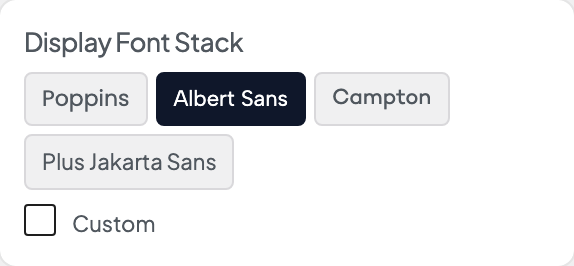
Click a family turned on in Dirigible Fonts, or check Custom to type a stack for a font loaded another way.
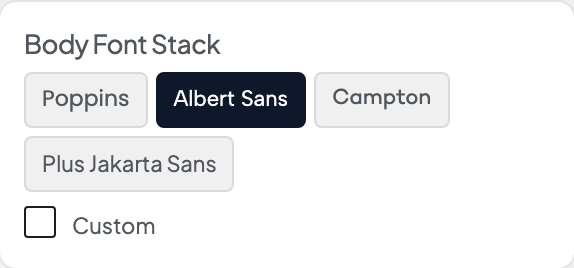
Click a family turned on in Dirigible Fonts, or check Custom to type a stack for a font loaded another way.
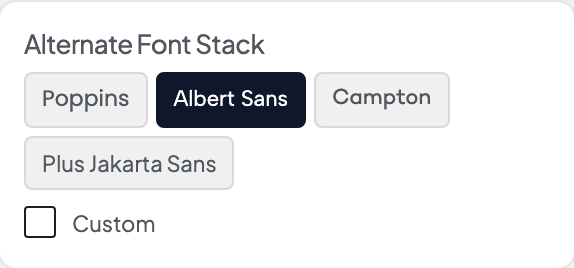
Click a family turned on in Dirigible Fonts, or check Custom to type a stack for a font loaded another way.
