Header 4
Usage
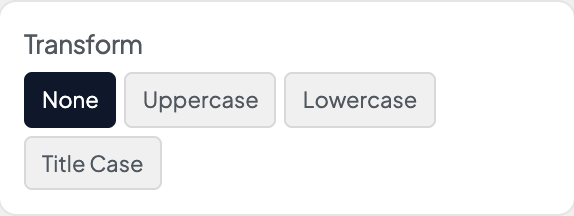
Open Appearance → Customize → Styles → Header 4 to set your small label-style heading. By default it uses the Alternate font, uppercase Transform, and a heavier Weight, which suits small labels above larger titles.
These settings apply to H4 headings and to blocks whose headline style is set to H4.
When to use it
- Adding a small label line above H2 or H3 section titles.
- Category lines, dates, or "Featured" labels that should read as headings without competing with larger sizes.
- After changing Styles → Fonts → Alternate Font Stack, to rebalance size and letter spacing.
Tips
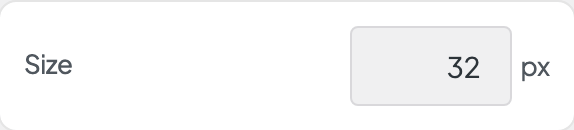
- The default Size is small (14px) with a little extra Tracking, typical for uppercase labels.
- Header 4 through Header 6 look similar by default. Tell them apart with Transform, Weight, or Color if you need different roles.
- Blocks that offer H4 under their headline style use these settings.
- For clickable category pills, see Styles → Tags.
- Width shows when this style's font comes in several widths and is set to Full axis in Dirigible Fonts. Uncheck Default and drag the slider for a condensed (narrower) or expanded (wider) cut of the font; the slider covers only the widths the font has. Leave Default checked to keep the width the text has now.
Settings
Header 4
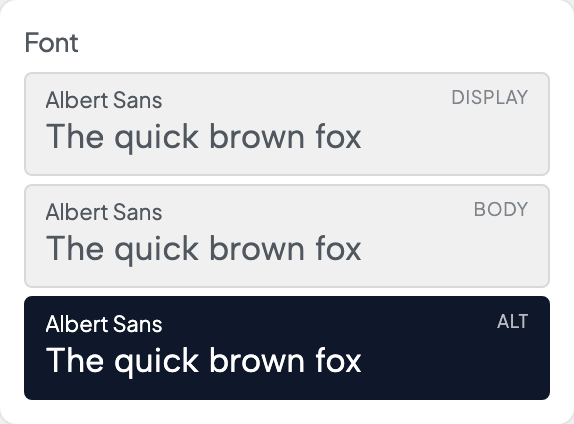
Picks which of the three stacks from Styles → Fonts this style uses. Each row shows the family behind it, with a sample set in that font.

Italic shows when the font has an italic loaded in Dirigible Fonts; with no italic, Style is hidden. A saved Italic the font doesn't load is marked, with a note.
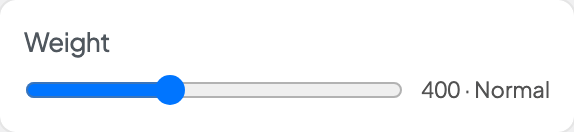
With a variable font, a slider covers the weights the font has. With other fonts, only the weights Dirigible Fonts loads show. A saved weight the font doesn't load is marked, with a note.

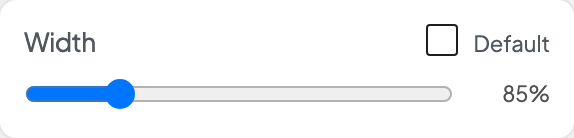
Shows when this style's font comes in several widths and is set to Full axis in Dirigible Fonts. Uncheck Default, then drag for a narrower (condensed) or wider (expanded) cut; the slider covers only the widths the font has. Default keeps the width the text has now.