

Analytics & Tracking
Usage
Open Dashboard → Tracking & Privacy and, under Analytics & Tracking, paste IDs only for the services you use: Google Analytics, Google Tag Manager, Facebook Pixel, LinkedIn, StackAdapt, Hotjar, HubSpot, and Piwik PRO, plus the Google and Facebook verification fields if those platforms ask for them. Leave the rest blank.
These settings used to be in Appearance → Customize → Scripts & Embeds; they moved to their own page, with the same values. You can paste either the ID or the whole code snippet the service gives you: Dirigible keeps just the ID, and the field shows it after you click Save Settings. If the value isn't in that service's format (each field's description says what it looks like), that field isn't saved and a red note under it says why; everything else on the page saves. Google Analytics & Ads IDs takes several Google IDs, separated by commas: your Google Analytics ID (G-…) and any Google Ads (AW-…) or other Google tag IDs (GT-, DC-), up to 10. Paste two Google tag snippets and it keeps both IDs, in order. They load together through one Google tag, alongside Google Tag Manager ID if you fill that in too. Every other field takes one ID, so if what you paste has several (two pixels, for example), the message lists them and you paste just the one that field is for. Old Universal Analytics IDs (UA-…) stopped working in 2024, so Google Analytics & Ads IDs asks you to leave them out and keep your GA4 Measurement ID (G-…).
For HubSpot, enter the HubSpot Portal ID (your Hub ID) and set HubSpot Region to EU if your HubSpot tracking code loads from js-eu1.hs-scripts.com. For Piwik PRO, enter both the Piwik PRO Account Address and the Piwik PRO Container ID; tracking stays off until both are filled in.
Tracking Load Strategy sets when tracking starts. With First Interaction (the default), a visitor's first page waits until they click, scroll, type or move the mouse, or 5 seconds after the page loads, whichever comes first. That keeps tracking out of speed tests such as PageSpeed Insights. Visitors who arrive from search, another site, an ad or a campaign link are tracked as soon as the page loads, and so is every later page of a visit. The only visits not tracked are ones with no source (a typed address or a bookmark) that leave the first page within those 5 seconds without touching it. After Page Load starts tracking once every page loads, for every visitor. Your own visits while logged in as an admin aren't tracked unless you turn on Track Admin Sessions, which is meant for testing.
With WooCommerce active, Enhanced Ecommerce Tracking sends completed purchases to Google Analytics or Tag Manager. When a Google Tag Manager ID is filled in, these ecommerce events go to Tag Manager only (set up your container to pass them on), even if you also have IDs in Google Analytics & Ads IDs. Ecommerce Debug Mode shows those events in the browser console, for testing only.
When to use it
- Launching a new site and connecting Google Analytics and marketing tags in one place.
- Keeping tracking tags out of PageSpeed Insights scores while still tracking visitors from search, ads and other sites.
- Tracking shop revenue from WooCommerce orders.
Tips
- Turn on the GDPR Banner if tracking should wait for visitor consent.
- You don't need both Google IDs and a Tag Manager ID unless your setup calls for it. Follow your analytics team's plan. If your Tag Manager container already loads a Google Analytics or Ads tag, don't also enter that ID under Google Analytics & Ads IDs, or its visits count twice. With both filled in, the Google IDs start before Tag Manager. If your container sets its own consent defaults (a Consent Initialization trigger), use the cookie banner's Consent Mode instead, or put the Google IDs in the container, so the defaults come first.
- Moving HubSpot or Piwik PRO from pasted code to these fields? Remove the old code from Custom Embeds in the same save, or every visit is counted twice. The account and its reports carry on as before. Unlike pasted code, these fields wait for consent when the GDPR Banner is on.
- Turn off Track Admin Sessions on the live site so reports show real visitors only.
- Google Site Verification ID takes more than one code, one per line. Paste the meta tag from Search Console or just the code inside it.
- The Facebook Pixel ID loads on every page. If your Meta ads point to Dirigible Music link pages, Music can keep the pixel to those pages only: Music → Settings → Ads and analytics.
- After publishing, check in a private window with your provider's debugger that tags are firing.
Settings
Analytics & Tracking

Enable analytics and tracking scripts for logged-in administrators. This is useful for debugging and development, but should be disabled in production so that you don't track your own activity.
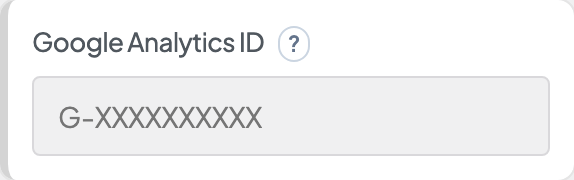
Your Google Analytics ID (G-XXXXXXXXXX), plus any Google Ads IDs (AW-XXXXXXXXX) or other Google tag IDs (GT-, DC-), separated by commas. You can paste the whole Google tag code. These load alongside a Google Tag Manager ID: leave out any ID your Tag Manager container already loads, or its visits count twice.
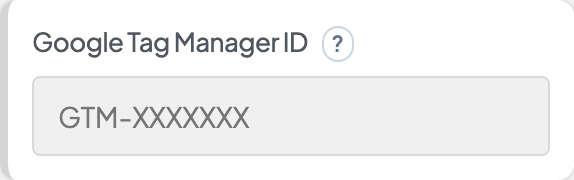
Starts with GTM-, like GTM-XXXXXXX. You can paste the whole Tag Manager code.
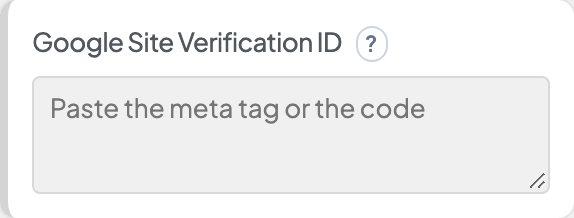
From Google Search Console's HTML tag method: paste the meta tag, or just the code from content="…". For more than one code, put each on its own line.
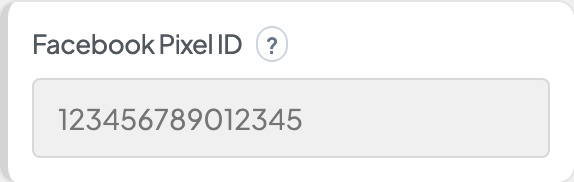
A 15 or 16 digit number from Meta Events Manager. You can paste the whole pixel code.
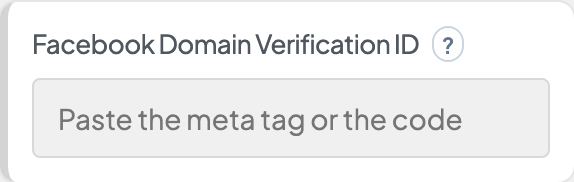
From Meta Business Settings → Brand Safety → Domains (meta tag method): paste the meta tag, or just the code from content="…" (about 30 lowercase letters and numbers).
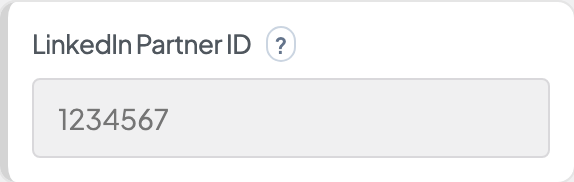
A number, like 1234567, from your Insight Tag in LinkedIn Campaign Manager. You can paste the whole Insight Tag code.
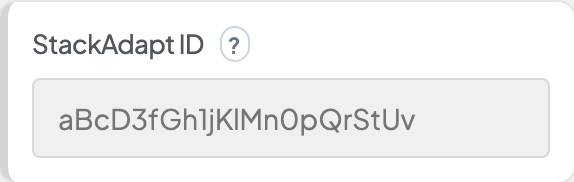
Your Universal Pixel ID: the code inside saq('ts', '…') in your StackAdapt pixel, about 22 letters, numbers and dashes. Capitals matter. You can paste the whole pixel code.
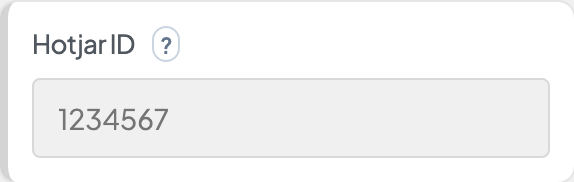
Your Hotjar Site ID, a number (hjid in the tracking code). You can paste the whole tracking code.
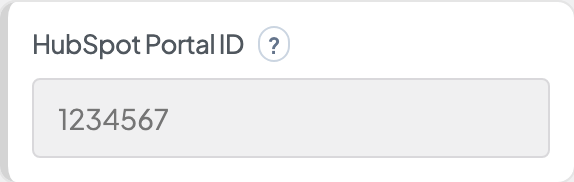
Your HubSpot Hub ID: the number in your HubSpot tracking code, as in js.hs-scripts.com/1234567.js. You can paste the whole tracking code. When you fill this in, remove the old pasted HubSpot code from Custom Embeds, or visits are counted twice. The HubSpot account and its history stay the same.
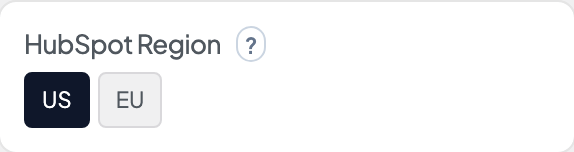
Where your HubSpot account is hosted. Choose EU if your tracking code loads from js-eu1.hs-scripts.com.
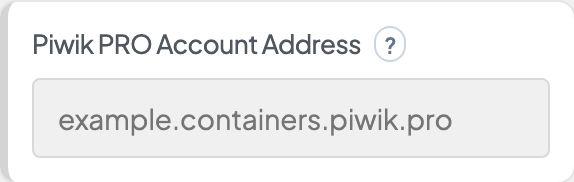
Your Piwik PRO account name, or its full address (example.piwik.pro or example.containers.piwik.pro). When you fill in this and the Container ID, remove the old pasted Piwik PRO code from Custom Embeds, or visits are counted twice. The Piwik PRO account and its history stay the same.
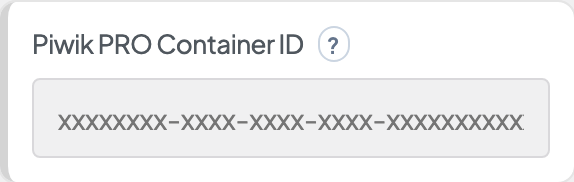
The site's container ID from Piwik PRO: Administration → Sites & apps → Installation. It looks like 1a2b3c4d-1234-5678-9abc-1a2b3c4d5e6f. You can paste the whole container code.
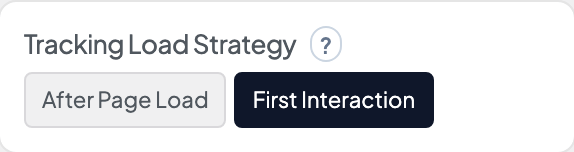
First Interaction waits on a visitor's first page until they click, scroll, type or move the mouse (or 5 seconds after the page loads), which keeps tracking out of speed tests. Visitors from search, other sites, ads or campaign links, and every later page of a visit, are tracked once the page loads. After Page Load always starts tracking once the page loads.

Enable tracking of WooCommerce purchase events (transactions, revenue, products). Requires WooCommerce and a configured Google Analytics or Google Tag Manager ID above. This will send a 'purchase' event to your analytics when an order is completed.

Log all GA4 ecommerce events to the browser console — including events that are blocked by gates (toggle disabled, no consent, admin, etc.). Use this for testing and development only.
