Header 1
Usage
Open Appearance → Customize → Styles → Header 1 to set how your largest headings look across the site. These settings apply to H1 headings and to any block whose headline style is set to H1.
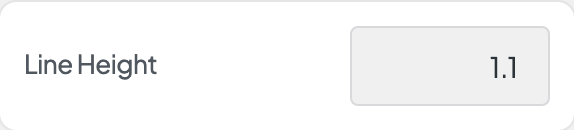
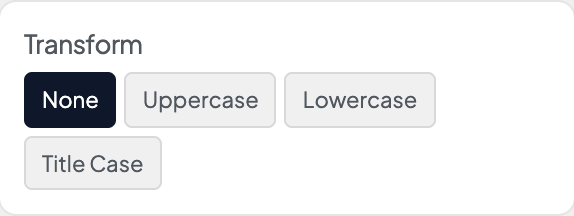
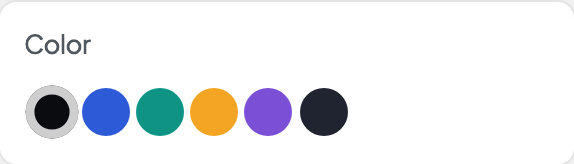
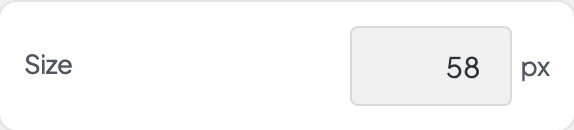
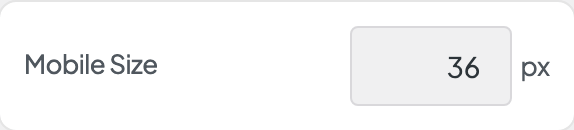
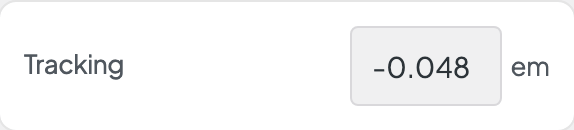
Set the Font (usually Display), Size and Mobile Size, Weight, Style, Transform, Tracking (letter spacing), Width, Line Height, and Color. Together they form the top of your type scale.
When to use it
- Setting your hero headline look before adjusting H2–H6.
- When page titles and Hero blocks should share one bold heading style.
- After changing your Fonts or Palette, to recheck size and contrast on photo heroes.
Tips
- A block's headline style changes how it looks, not its place in the page outline. A Hero set to look like H1 may still be an H2 underneath, which is fine for accessibility and SEO.
- Mobile Size applies on phones. Long H1 headlines usually need a noticeably smaller mobile size.
- Color defaults to Text. On dark heroes, use the block's light-text or reverse options instead of changing this site-wide color.
- The site name beside your logo uses the Header 3 style. Only page titles and H1-style blocks use this one.
- Width shows when this style's font comes in several widths and is set to Full axis in Dirigible Fonts. Uncheck Default and drag the slider for a condensed (narrower) or expanded (wider) cut of the font; the slider covers only the widths the font has. Leave Default checked to keep the width the text has now.
Settings
Header 1
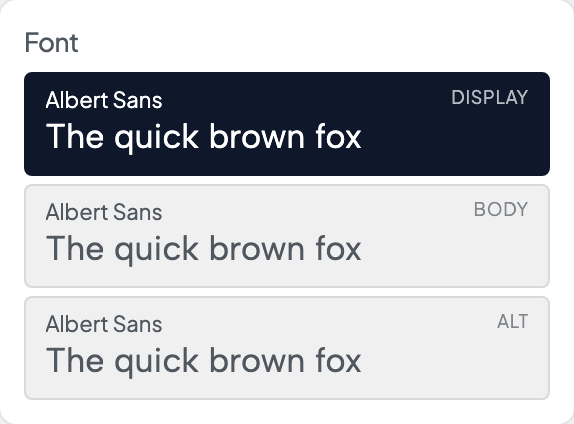
Picks which of the three stacks from Styles → Fonts this style uses. Each row shows the family behind it, with a sample set in that font.

Italic shows when the font has an italic loaded in Dirigible Fonts; with no italic, Style is hidden. A saved Italic the font doesn't load is marked, with a note.
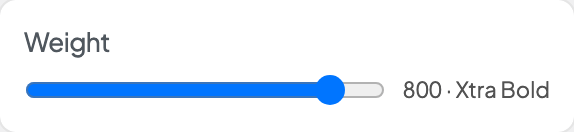
With a variable font, a slider covers the weights the font has. With other fonts, only the weights Dirigible Fonts loads show. A saved weight the font doesn't load is marked, with a note.
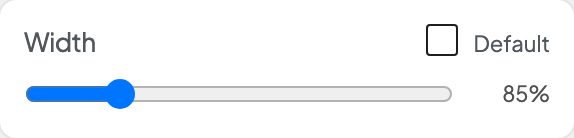
Shows when this style's font comes in several widths and is set to Full axis in Dirigible Fonts. Uncheck Default, then drag for a narrower (condensed) or wider (expanded) cut; the slider covers only the widths the font has. Default keeps the width the text has now.