

Accent Border
Usage
Open Appearance → Customize → Header & Menus → Accent Border to add a thin stripe of brand color to the header. Turn on Enable, set the Height, and choose a Color from your palette.
The stripe sits directly above the main header bar, below the Utility Nav if you use one.
When to use it
- Brand guidelines that call for a color bar above the navigation.
- Transparent headers over a hero, where a stripe keeps the brand color visible.
Tips
- Start with 2–4px. Thicker stripes start to look like a second header bar.
- Use your palette Primary or Accent so the stripe matches the rest of the site.
- The footer has its own accent border under Footer & Contact, so you can use different colors at the top and bottom of the page.
Settings
Accent Border

Enable
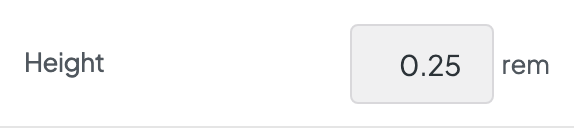
HeightAvailable when Enable is “Undefined”
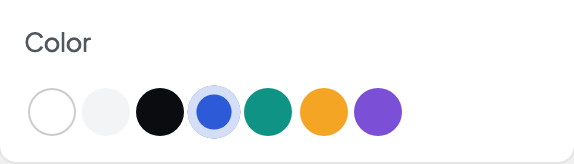
ColorAvailable when Enable is “Undefined”
