

Social Media
Usage
Open Appearance → Customize → Settings → Social Media and paste the link to each profile, or just the highlighted part (usually your username). Email and Phone are contact fields that show alongside your social icons.
Every network you fill in shows up in the Socials block and the theme's social icons in the header, footer, and utility bar. Leave a network blank to hide it.
When to use it
- First-time setup, before adding a Socials block or turning on social icons in the header or footer.
- Adding a new network (Bluesky, Threads, TikTok).
- Keeping your phone and email consistent with Footer & Contact → Contact Information.
Tips
- Phone needs international format with no spaces (for example
+1234567890). - For LinkedIn, enter
company/your-pageorin/your-name. - A handle with
@(like@yournamefor TikTok or Threads) works too: the theme keeps the part it needs. - The same profiles go into the site's structured data, which tells search engines which accounts belong to you.
- Twitter and X are separate fields. Fill in the one you use.
- WhatsApp uses your phone number and Discord an invite code: enter it, or paste the link. For Mastodon on a server other than mastodon.social, enter your full handle, like
@you@your.server.
Settings
Social Media
This will be displayed alongside your socials.
No spaces, international format required
facebook.com/username
instagram.com/username
x.com/username
pinterest.com/username
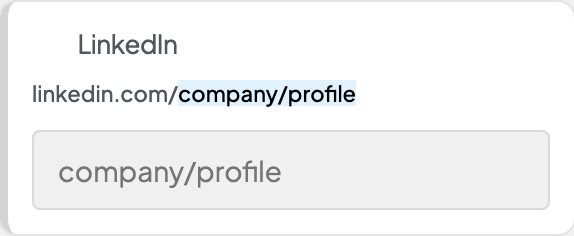
linkedin.com/company/profile
youtube.com/username
tiktok.com/username
twitch.tv/username
vimeo.com/username
etsy.com/username
amazon.com/username
reddit.com/username
spotify.com/username
music.apple.com/username
bandcamp.com/username
patreon.com/username
soundcloud.com/username
bsky.app/username
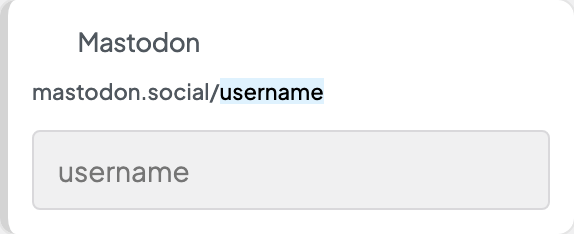
mastodon.social/username
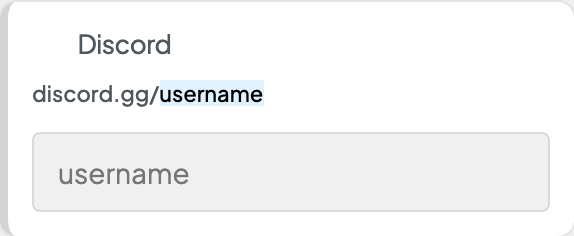
discord.gg/username
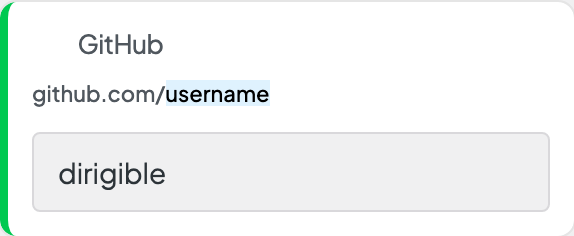
github.com/username
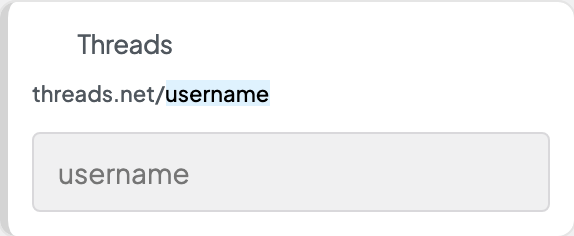
threads.net/username
snapchat.com/username
wa.me/username
twitter.com/username
houzz.com/your-url
