

Search Results Page
Usage
Open Appearance → Customize → Settings → Search Results Page to edit the Body message shown above search results. Type %query where the visitor's search term should go and %results for the number of matches. Both are filled in automatically and shown in bold.
The default reads: "A search for %query returned %results matches."
When to use it
- Matching the search page to your brand voice ("We found %results ideas for '%query'").
- Adding a short second sentence or line break before the results.
- Simplifying the wording for your audience.
Tips
- Run a search on the live site after publishing to see the message with real words filled in.
- You can put the placeholders in any order, but type them exactly as
%queryand%results. - This only changes the message. The result layout comes from the theme and your Blog & Posts settings.
Settings
Search Results Page
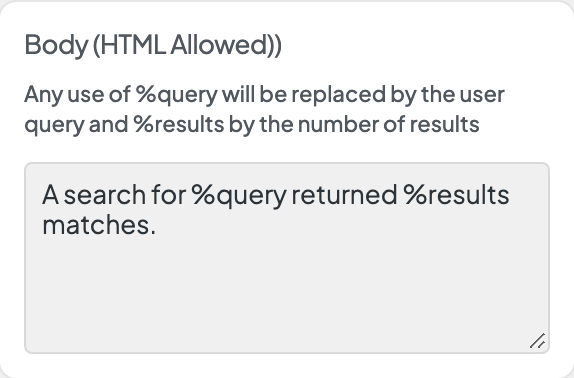
Body (HTML Allowed))
Any use of %query will be replaced by the user query and %results by the number of results
